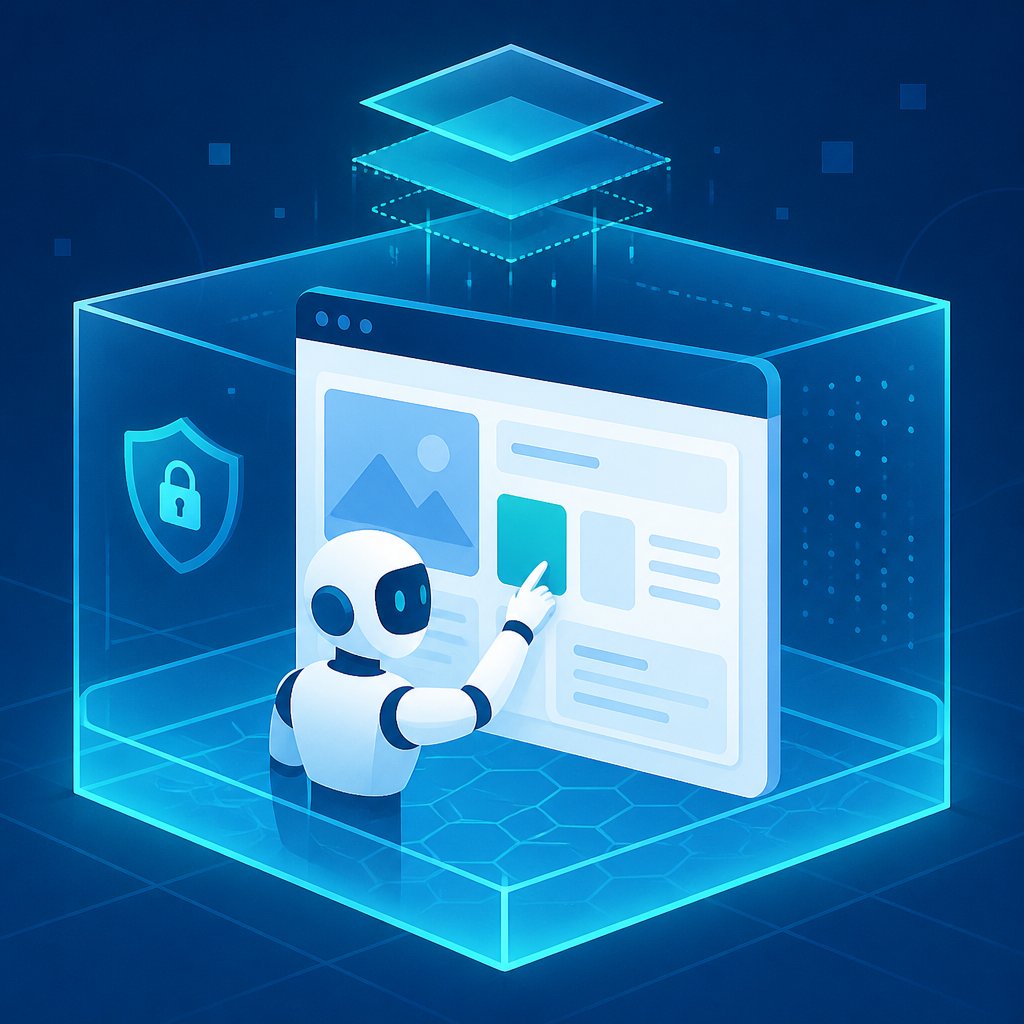
Starting the week of August 26, 2026, Anthropic is rolling out a browser built directly into the Claude Cowork desktop app — not a Chrome extension, but a dedicated tab in the side panel that the agent itself drives. It opens pages, clicks elements, fills out forms, and reads dashboard content wherever no API exists, or an existing one doesn't cover the data needed. The feature runs on macOS, Windows, and, in beta, Linux, reaches Pro, Max, and Team subscribers over roughly a week of rollout, and is already live on Enterprise accounts, where an administrator manages it through organization settings.
Why the agent gets its own browser instead of your Chrome
The core architectural choice was not to embed the agent in the user's personal browser, the way many Chrome extensions do, but to move it into a separate, isolated environment. By default, this browser has no access to the account owner's tabs, bookmarks, history, or saved passwords. Logins can be transferred site by site — from Chrome, Edge, or Firefox on macOS, or from Firefox on Windows and Linux. Banking services, email, and SSO providers are excluded from that transfer by default: giving the agent access to those requires explicit user approval.
If a user already has Claude in Chrome installed and set up, the app keeps using it as the default browser; the built-in browser only turns on automatically for people who didn't have that extension. Both tools stay available from the same app — two ways of working with the web for different scenarios, not a competition between them.
Where this actually saves hours: bookkeeping, not science fiction
Picture a small bookkeeping firm in Lisbon that handles the books for 30 to 40 small clients. Every month, someone on staff logs into supplier portals — electricity, gas, telecom, internet provider — because several of them still don't email invoices or offer an API export, only a PDF tucked away behind a login. Per client, that's 10 to 15 minutes of manual routine, multiplied across a dozen suppliers and dozens of clients — hours every month that create no value for the end client.
This is exactly the class of task the Cowork browser addresses: the agent is granted narrow access to the specific supplier portals it needs — with explicit approval, since they aren't on the default-open list — logs in, finds the invoices section, downloads the PDFs, and files them by client folder. The difference from a typical scraping script is that the agent "sees" the page the way a person would, so it doesn't break every time a supplier tweaks their portal's layout — and those sites do change regularly, without warning. Before this, a business either kept a junior employee dedicated to that routine reconciliation, or lived with a script that broke every quarter and had to be rewritten — both options cost more than they look like at first glance once you count not just the salary, but the time spent figuring out why the automation stopped working.
What not to take at face value here
Isolation from the personal browser is both a safeguard and an inconvenience. Because the agent doesn't inherit already-open sessions, every new portal has to be authenticated separately — which means someone at the company has to decide which sites are actually worth trusting with the agent's credentials, and keep that list deliberate rather than default. That's governance work, not a technical switch you just flip on.
Anthropic itself is upfront about the second risk: hidden instructions on a page can steer the agent's actions off course — the classic prompt-injection-via-site-content problem. The company mentions review mechanisms that check actions before they execute, but flatly admits the risk isn't fully removed, and recommends «starting on sites you trust». For a business, that translates into a practical rule: start with a narrow, vetted list of sites rather than connecting the agent to every relevant portal at once, and leave the most critical steps — submitting data, confirming a payment — subject to manual sign-off, even when the agent is technically capable of doing them alone.
At Dayava, we design exactly these processes around a specific business: deciding which portals and data can be trusted to an agent and which should stay manual, and building the automation with those boundaries in from day one.
If you're interested in a similar setup for your business, get in touch at dayava.pt/contactos/.
Source: Claude by Anthropic, "Claude Cowork gets a built-in browser: nothing to install"