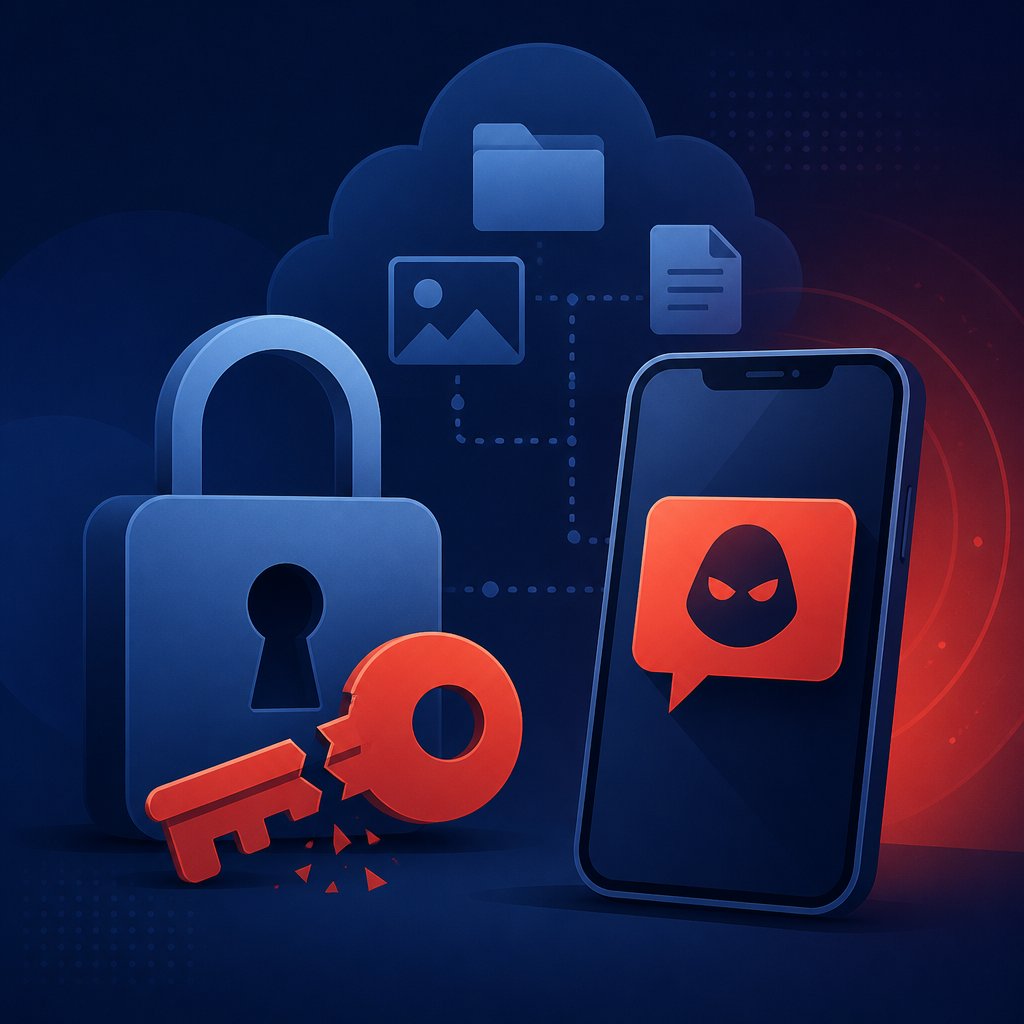
On September 9-10, 2026, Microsoft disclosed details of a large-scale campaign in which attackers use passkey (passwordless sign-in) update messaging to hijack Microsoft 365 business accounts. The attack has been active since May 2026. Attackers call or text employees on their personal phones, posing as IT support, and convince them to urgently "update" their passkey via a link that leads to a fake copy of the Microsoft sign-in page. Using an adversary-in-the-middle technique, the site either intercepts the session or tricks the victim into approving the sign-in, after which the attacker immediately registers their own MFA method — securing access independent of the original victim. Microsoft attributes part of the activity to groups it tracks as Storm-3121 and Storm-3032, while independent researchers link it to a broader cluster known as Cordial Spider. Once an account is compromised, attackers methodically work through the Microsoft Graph API, map out the user and permission structure, then exfiltrate files from SharePoint and OneDrive along with mailbox contents — a process that takes anywhere from several hours to several days.
An attack that hits exactly where you feel safe
Passkeys were built as the answer to classic password phishing — a technology that physically can't be intercepted the same way a password typed into a fake site can. The irony of this campaign is that attackers aren't breaking passkey protection itself — they're exploiting the transition period around it. While employees still don't quite know what the real passkey migration process is supposed to look like, any convincing "urgent security update" phone call sounds plausible — especially because it's exactly the language companies themselves have used to push the passkey switch for the past two years. The result is that the very messaging around strengthening security has become cover for attacking that same security. And a call or text to a personal phone is a far less visible channel for a company's security team than an email to a work inbox: there's no spam filter to catch it, because there's nothing to filter.
What a small Microsoft 365 business can actually do about it
Picture a fifteen-person accounting firm that keeps all client files in SharePoint. An employee gets a text: "IT: your Microsoft 365 passkey needs re-verification, follow this link." The link leads to a page indistinguishable from the real one. The employee enters their credentials, the attacker immediately attaches their own sign-in method — and over the following days quietly copies client files while nothing looks unusual: there's no anomaly in the login itself, because it looks legitimate. This is exactly the scenario Microsoft describes — with the campaign only detected in September, despite the first activity being logged back in May.
There's a specific reason this vector is dangerous for small companies in particular: almost all of the cybersecurity investment small businesses have made in recent years has been focused on email — spam filters, "don't open suspicious attachments" training, sender verification. A call or text to a personal mobile sits entirely outside the perimeter anyone at the company actually controls or monitors, and outside an IT contractor's responsibility unless the contract explicitly covers vishing (voice phishing) protection. And if the account does end up compromised and client data leaks, for a small firm that's not just a reputational hit but a question of contractual confidentiality obligations to clients — something rarely spelled out in detail at exactly the businesses this size.
One honest caveat is worth making here: this isn't a reason to delay adopting passkeys or MFA — they remain far more secure than passwords alone, and account-takeover statistics from classic password phishing are considerably higher. The problem isn't the technology; it's that any technical security upgrade needs a matching update to employee habits. The practical minimum for a small company: set one simple rule — IT support (in-house or contracted) never sends links to "confirm" a sign-in by text or call, and any such request gets verified by a separate call to an already-known number, never the one the caller provides. That costs nothing and requires no new tools — just an agreement communicated to every employee, including the ones who are certain they'd never fall for it.
At Dayava, we help businesses build not just process automation but the basic digital hygiene around it — because automation built on top of a compromised account works for the attacker, not for you.
If you'd like a similar solution for your business, get in touch at dayava.pt/contactos/.